

Finances
Before you record the boat's first expense, set up its money once: the boat's currency, the currencies you pay in, and the accounts you file costs under. None of it is needed to set the boat up. Recording transactions is in Zora Finances.
Open Finances
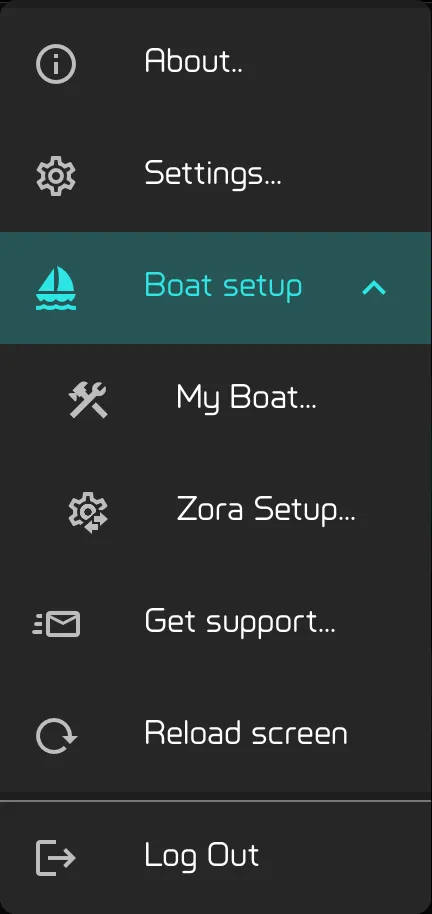
- Open My Boat: tap the Zora logo, open Boat setup and tap My Boat....
- On the hub, tap Finances.
Until the boat has a currency, Zora Finances shows Set your boat's currency first in place of the transaction editor and the chart. Its Open finances setup button goes straight here.
Finances has three pages, Base Currency, Other currencies and Expense accounts, then a review. Move between them with the arrows at the bottom. The back arrow at the top left, like the bottom arrow on the first page, returns to the hub without saving.
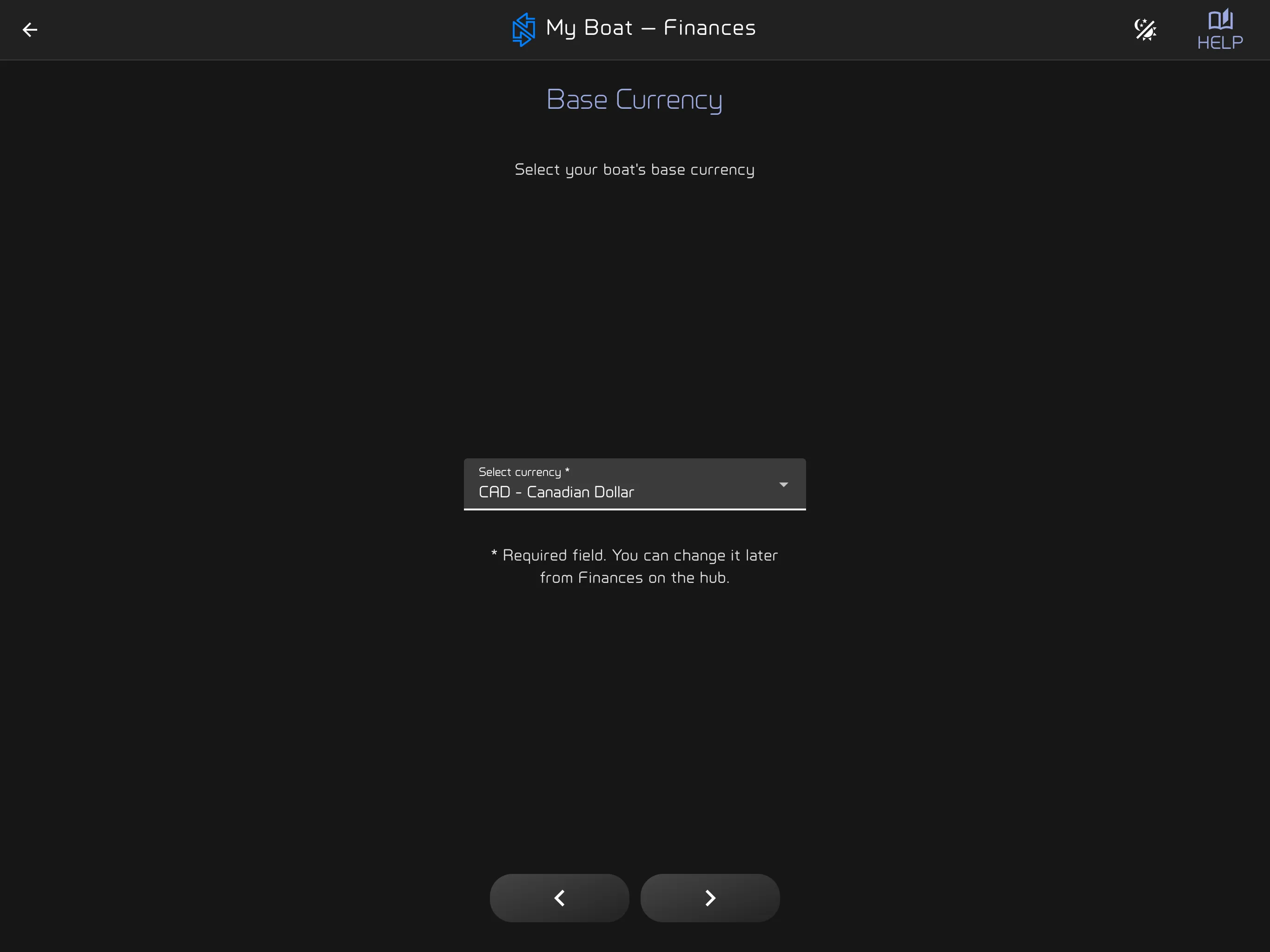
Set the boat's currency
Pick it in Select currency. From then on, Zora converts every amount you record into this currency.
Without internet the list holds ten common currencies, and the page says Unable to load currencies. Using default list.
You can change it later. The review then warns that the change splits your financial history into a period in each currency. Each transaction keeps the rate it was entered with, so the ones entered before the change stay valued against the old currency.
Exchange rates
When you save a new boat currency, Zora fetches today's rates against it. That needs the internet. Offline, everything else is still saved and the review says the rates update once Zora is online. To fetch them, tap Update rate the next time you record a transaction with internet. See Exchange rates.
Choose the currencies you pay in
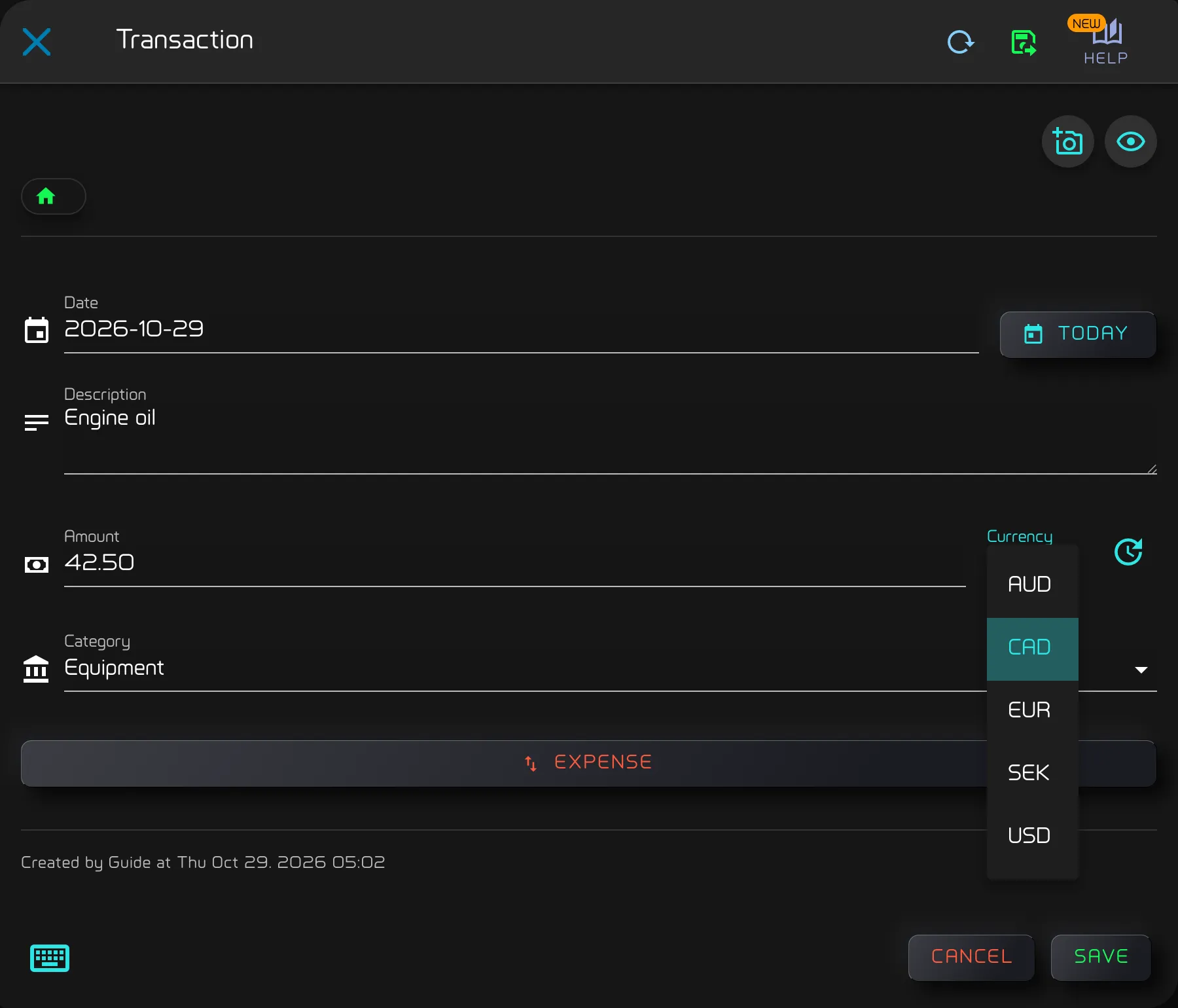
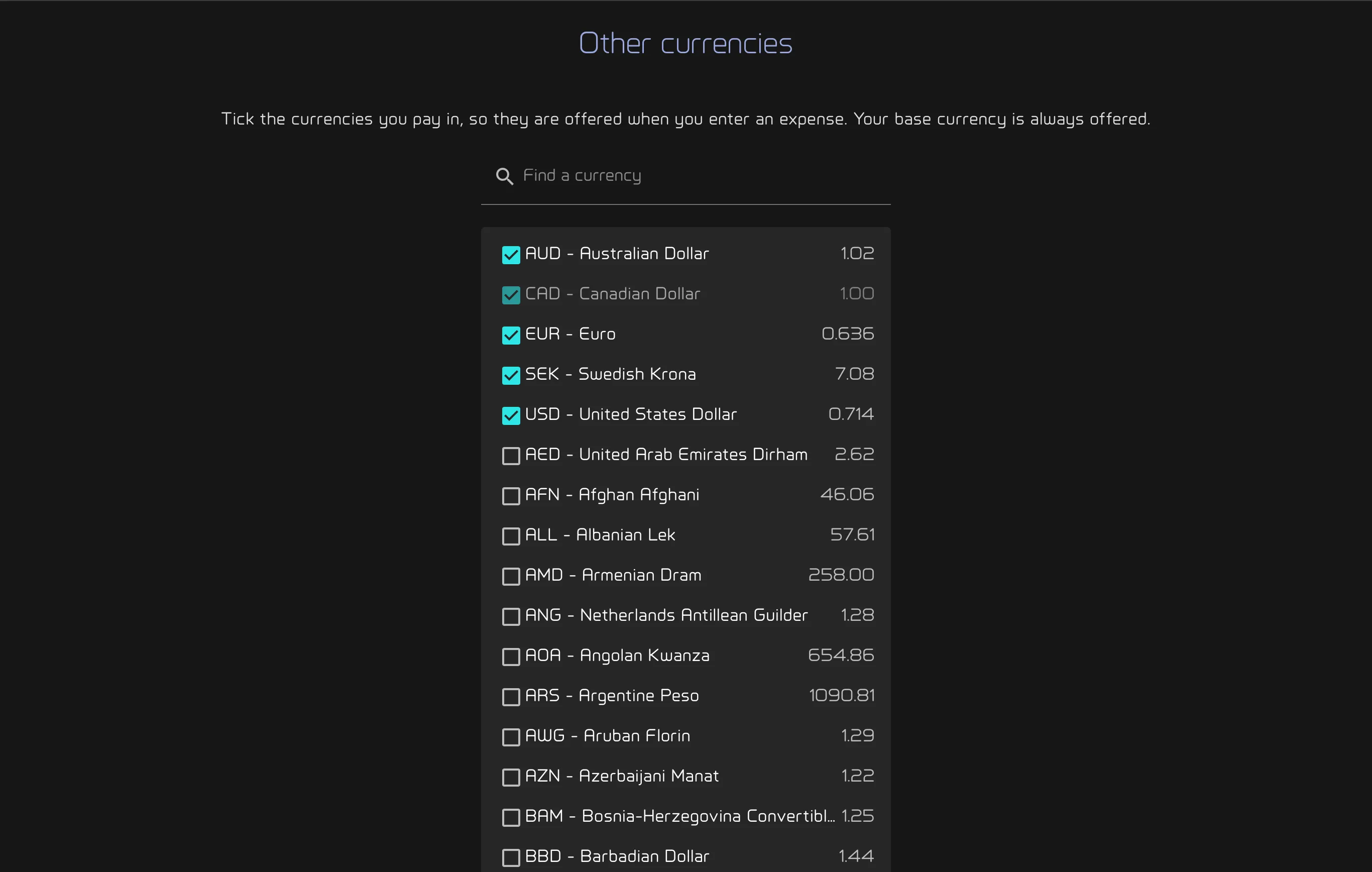
On Other currencies, tick each currency you expect to pay in over the coming months. The ticked ones are the currencies offered when you record a transaction. The boat's currency is always offered and cannot be unticked.
Ticked currencies sit at the top. Find a currency searches all of them by code or name. The number beside a currency is how much of it one unit of the boat's currency buys.
Set up your accounts
A transaction is filed under an account, such as Maintenance or Insurance, which Zora Finances shows as its Category.
A boat with no accounts starts with Maintenance, Repairs, Equipment, Utilities, Supplies, Insurance and Other.
- Rename one: type over its name.
- Add one: tap Add an account and type its name. An account left without a name is not saved.
- Remove one: tap its bin. Only an account with no expenses filed under it has one; the others say how many expenses are filed there.
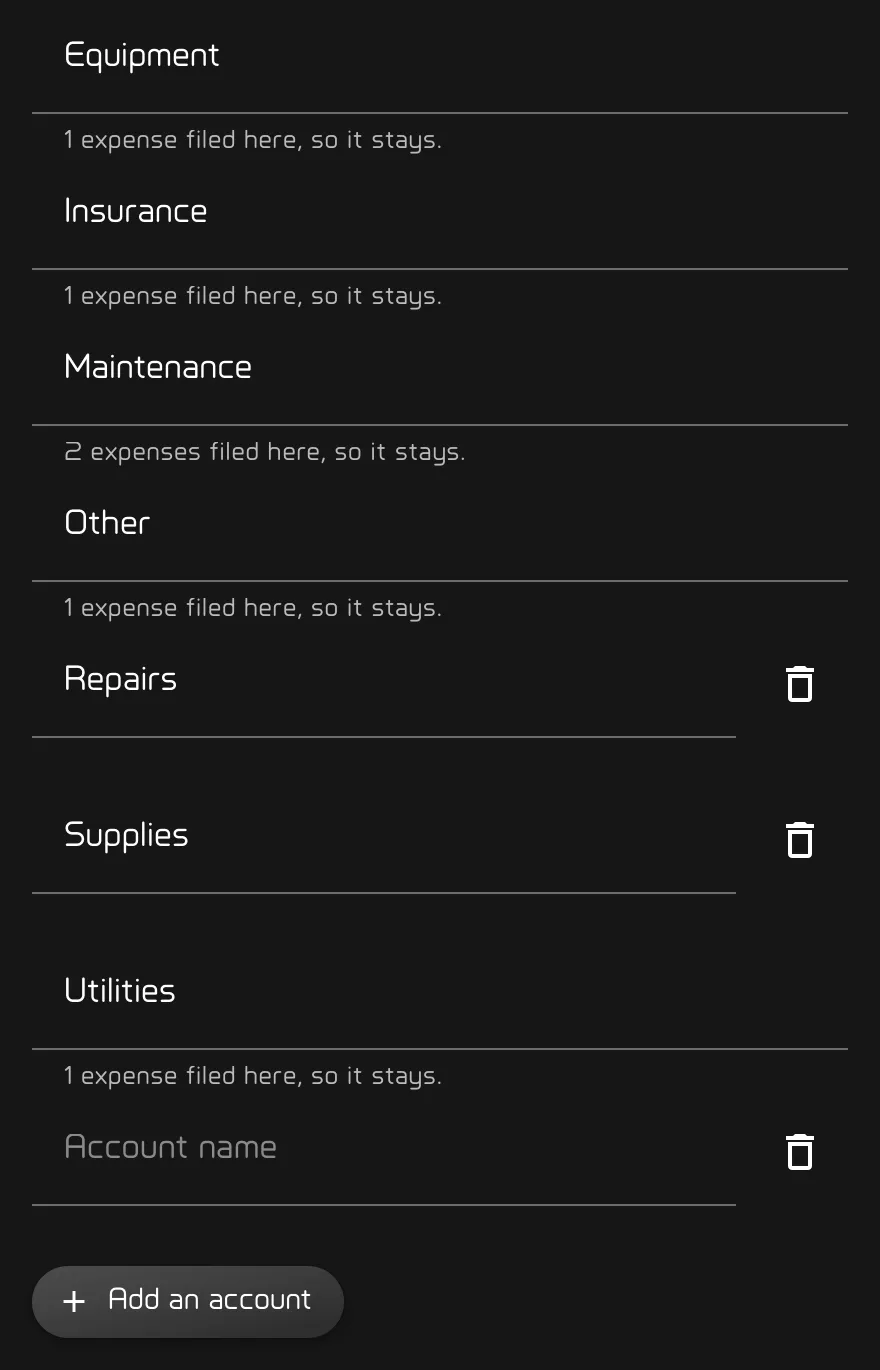
Save your changes
The review lists the boat's currency, the currencies offered and the accounts. Tap one to go back to its page. done saves the changes and takes you back to the hub.
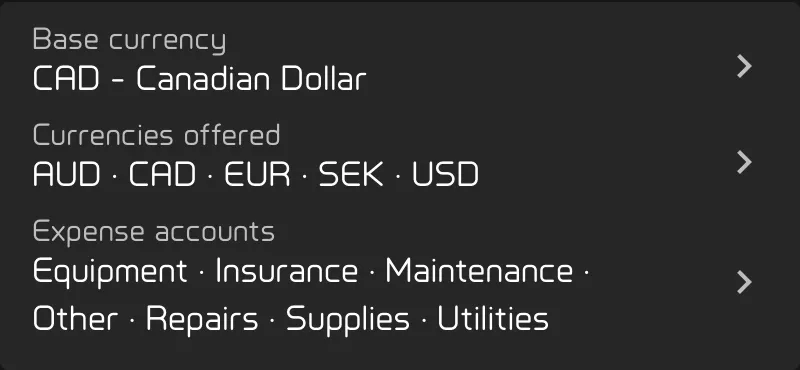
done stays off while the Finances service is not answering, and the review names it.