Log in
Each person on board has their own crew account, with their own units, voice and profile. You log in at each display you use, and logging in takes the display to your own station, so your screen layouts come with you. The exception is a display with a station of its own: it stays on that station whoever logs in.
Log in
When nobody is logged in, the display shows the login screen: an avatar for each crew member, with their name and role.
- Tap your avatar.
Zora opens on your own station, or on the display's station if it has one, and the logbook records the login with your name. If Zora is still starting up, it says so and logs you in as soon as it is ready.
Reloading the page on the same display logs the same person straight back in.
To add a crew member, tap + at the bottom right. To change a crew member's details, long-press their avatar. See Crew.
The station
If the display has a station of its own, its name is at the top of the login screen, above the word station, and everyone who logs in there lands on it. Otherwise that space is empty and logging in moves the display to your own station. To use another station, switch from the user drawer once you are logged in; see Stations.
Log out
Tap the Zora logo in the app bar and choose Log Out. A running watch timer stops.
The screensaver
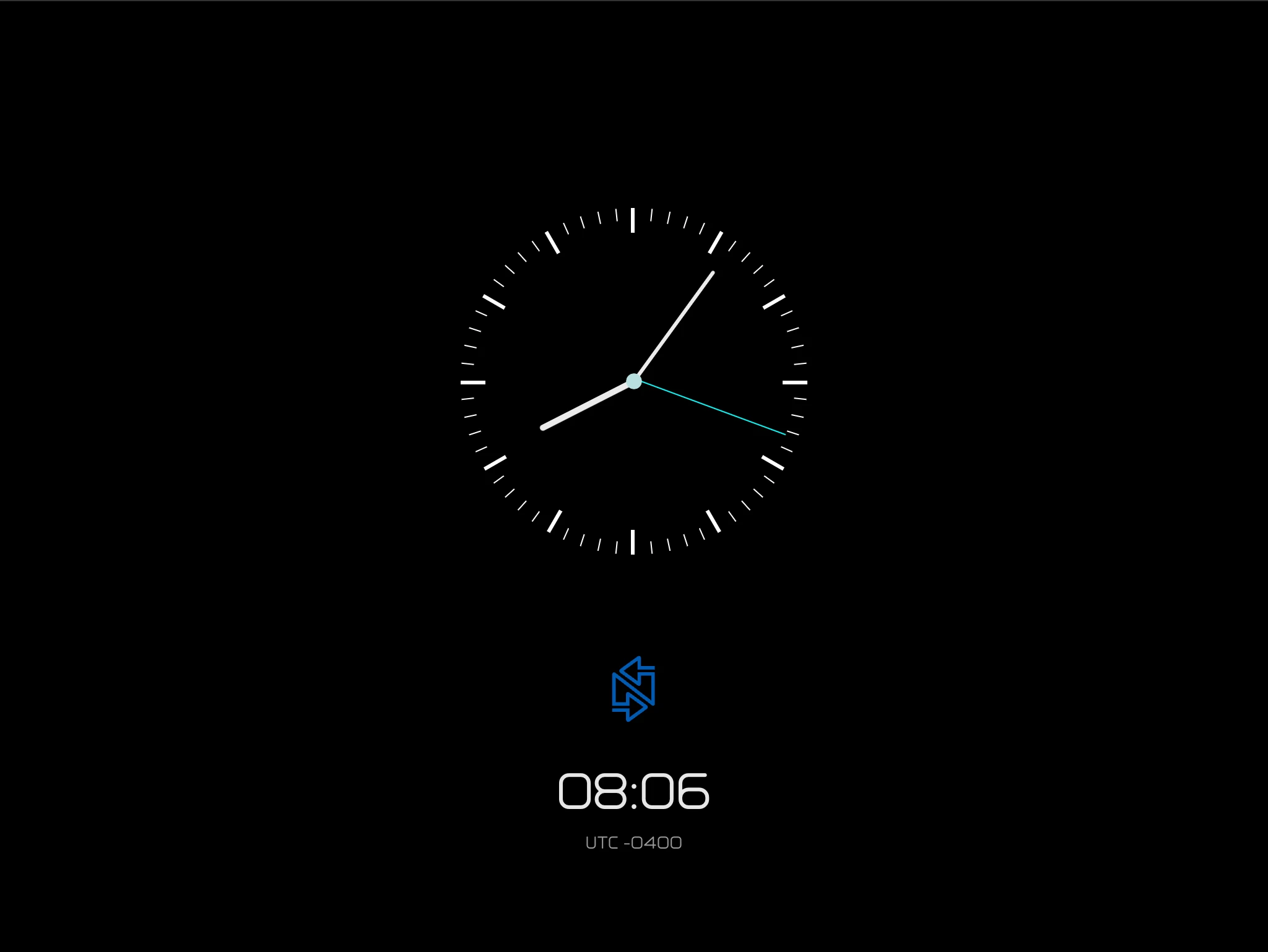
After 30 seconds with nobody using it, the login screen gives way to the screensaver: a clock with the boat's local time and its difference from UTC. Tap anywhere to go back to the login screen.