Engines
The Engines part of My Boat puts the boat's engines on its equipment list, each at the propeller it drives. On a boat with no engines, you say so here.
What Zora reads from an engine, and how to connect one, is in Engine.
Open Engines
- Open My Boat: the Zora logo, Settings..., then My Boat under System.
- On the hub, tap Engines.
Engines has a page to pick the propellers, a page to name each engine, then a summary. The back arrow at the top left, like the bottom arrow on the first page, returns to the hub without saving.
Pick the propellers
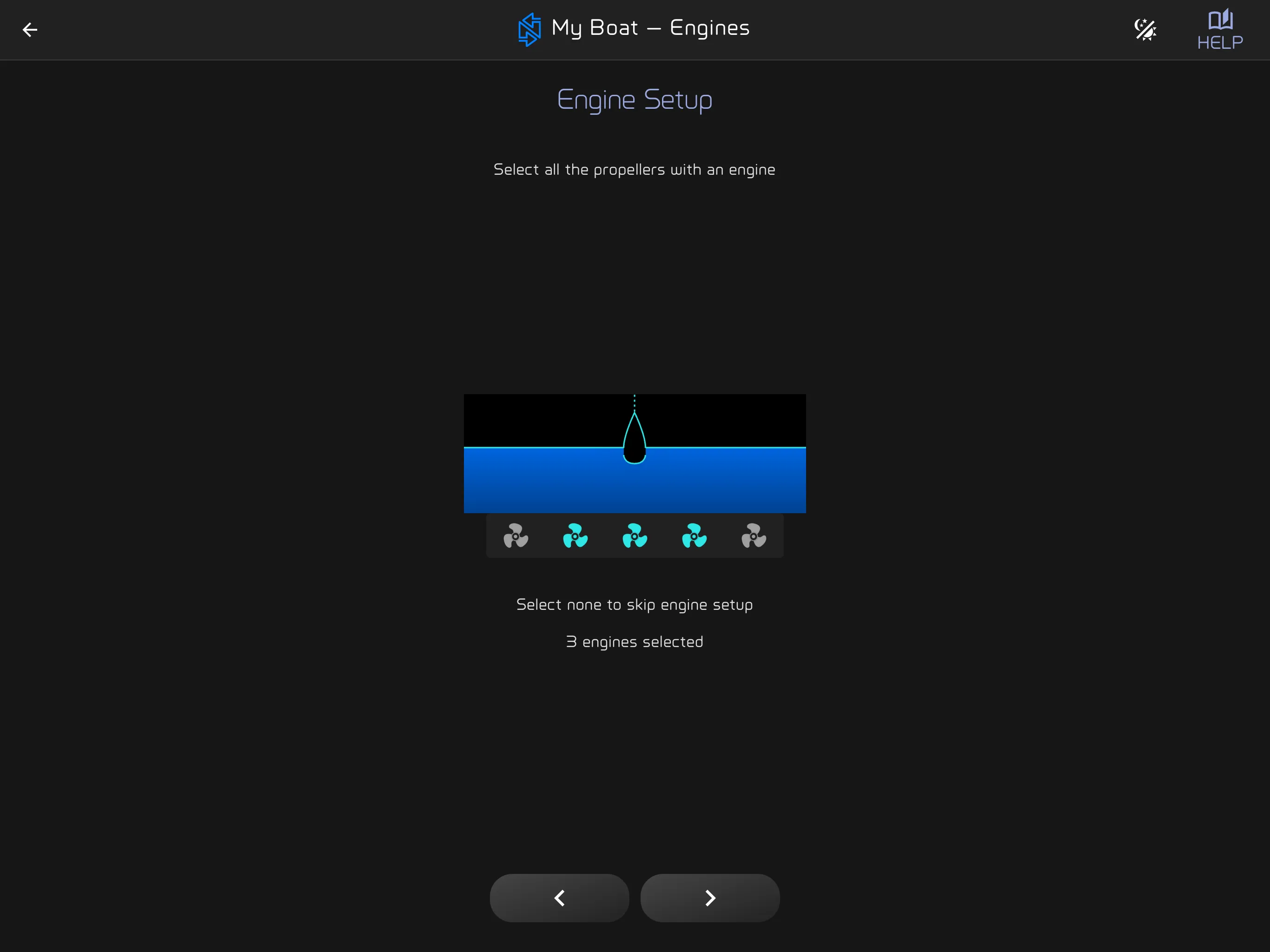
Engine Setup shows five propeller positions across the transom: Far Port, Port, Main, Starboard and Far Starboard. Select every propeller that has an engine. The page counts the engines selected. For a boat with no engines, select none.
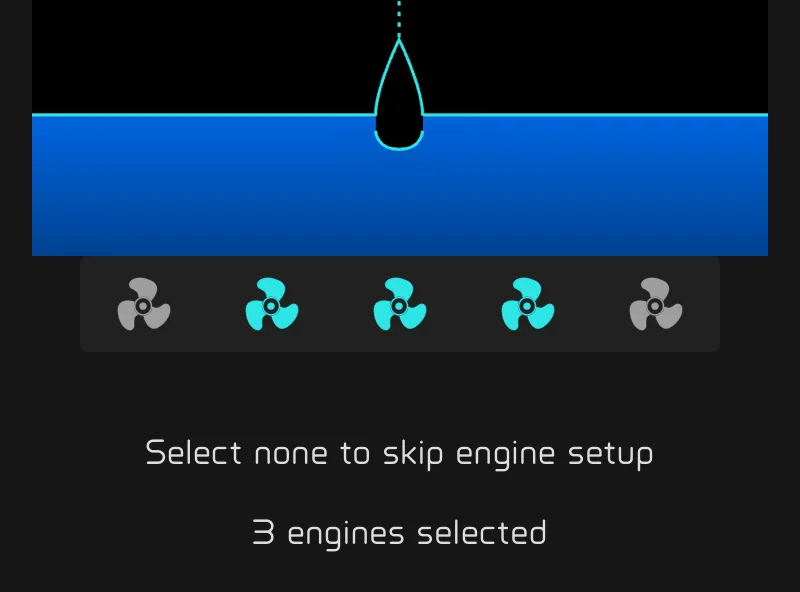
An engine the boat already has stays selected and cannot be unselected here. To take one off the boat, decommission it.
If Zora has found engines on the network that have no position yet, the page says how many. Select the propellers they drive, then pick each one on its naming page.
Name each engine
Each selected propeller gets its own page, titled by its position, such as Port Engine. Type the engine's name.
Where Zora has found engines with no position, Which engine is this? lists them. Pick the one at this propeller, or A new engine. Picking one places that engine here rather than adding a second.
Leave the name blank to keep the name the engine already has. A new engine left blank is saved as Engine.
Save the engines
Engine Setup Summary lists each engine with its name and position, or No engines configured. Tap done to save and go back to the hub.
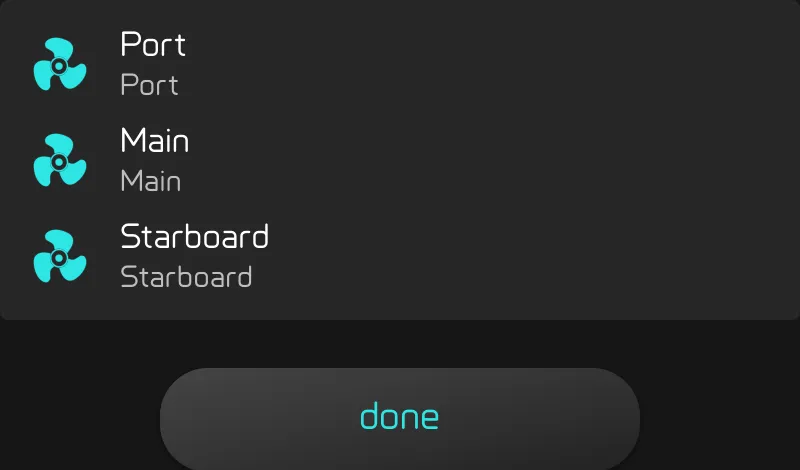
done stays off while a service the save needs is not answering, and the summary names the service.
Once the boat has an engine and every engine has a position, the hub's Engines tile shows a tick.