Your first Zora install
A full lesson for an installer doing this for the first time, from an unopened box to a boat with data on screen, is in development. Until it is written, work through the tutorials in the order a new boat goes through.
The minimum setup
The first time Zora opens on a boat that has never been set up, My Boat opens in place of the chart and asks the few things Zora cannot run without. A welcome page comes first, then one page for each answer, then a review.
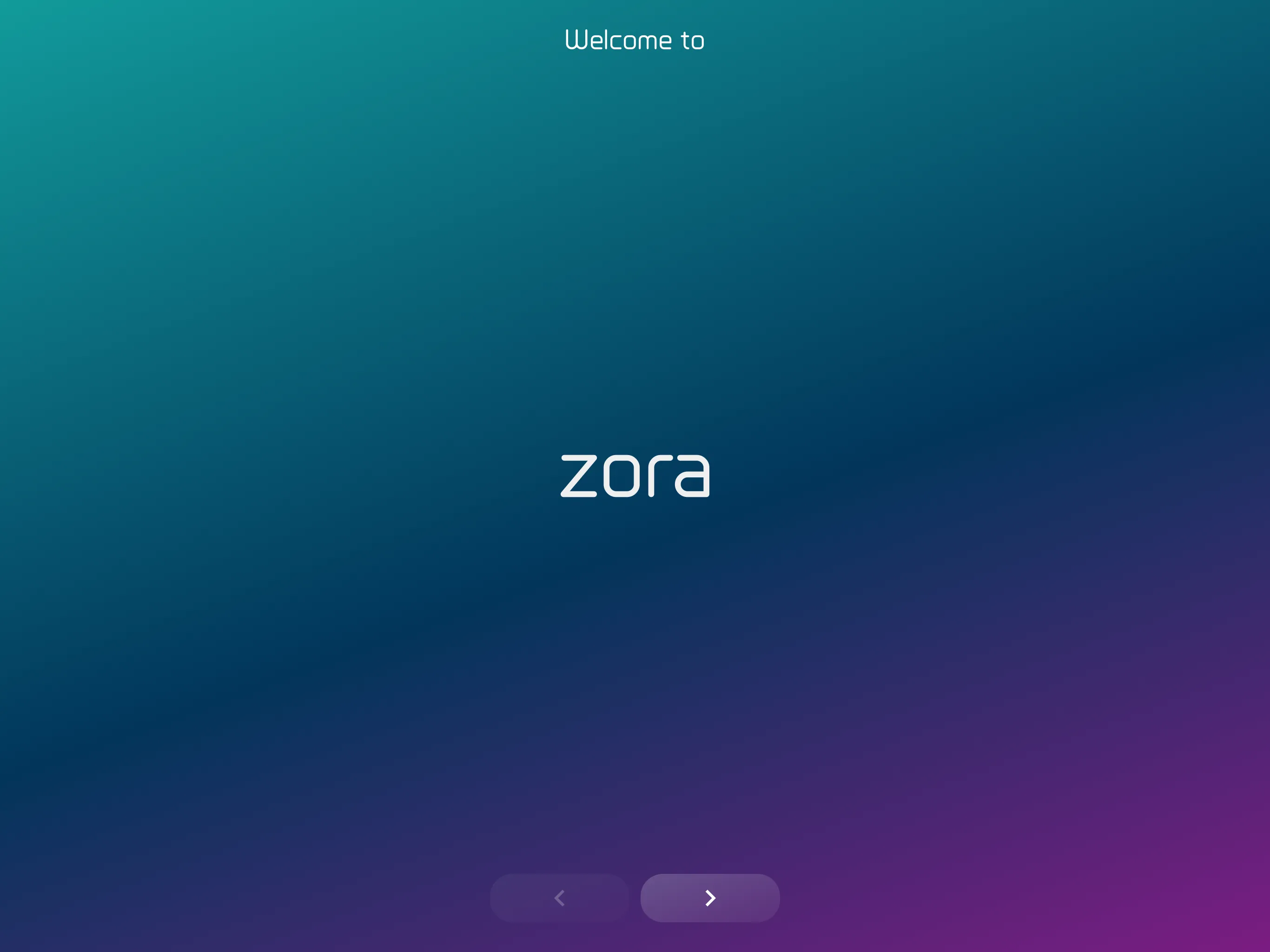
Move between pages with the arrows at the bottom, or with the arrow keys and Enter on a keyboard. Paging saves nothing, so you can go back and change an answer.

The boat's name
Type the boat's name. It is the only answer the minimum setup requires.
Boat and hull type
- Boat type: Sailboat or Power Boat.
- Hull type: Monohull, Catamaran or Trimaran.
Review and save
The Review page lists your answers. Tap one to go back to its page. Without a name the review shows Required and save and continue stays off.
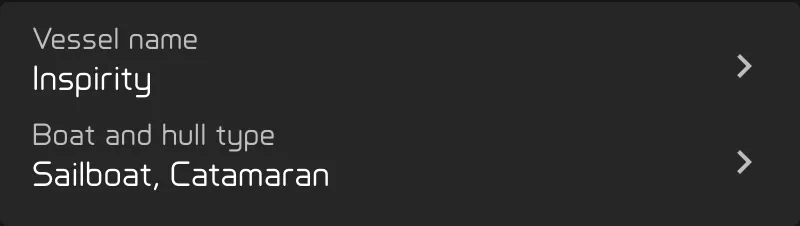
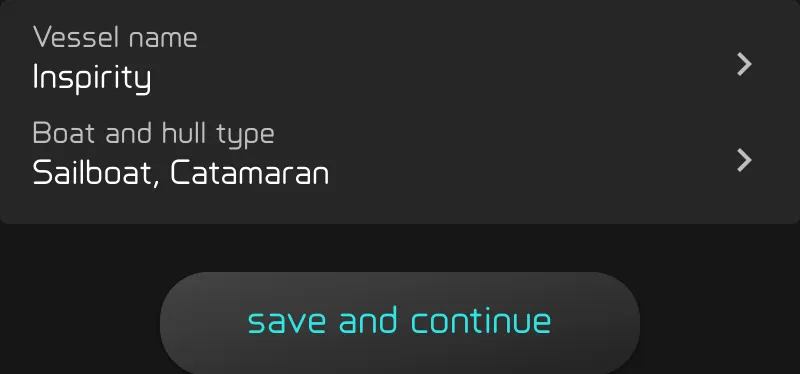
Tap save and continue. Zora stores the answers and My Boat opens its hub. From then on the boat counts as set up, and Zora opens normally.
If a service the save needs is not answering, the review names it and the button stays off. It comes back on its own once the service answers.
Everything else about the boat is entered from the hub, when you have it to hand: Vessel, Engines and Finances. How the boat is kept up to date afterwards is in Deployment and updates.