

Data History
Zora keeps the boat's data over time for its history graphs. Data History is where you choose how long that data is kept, or clear it.
Open Data History
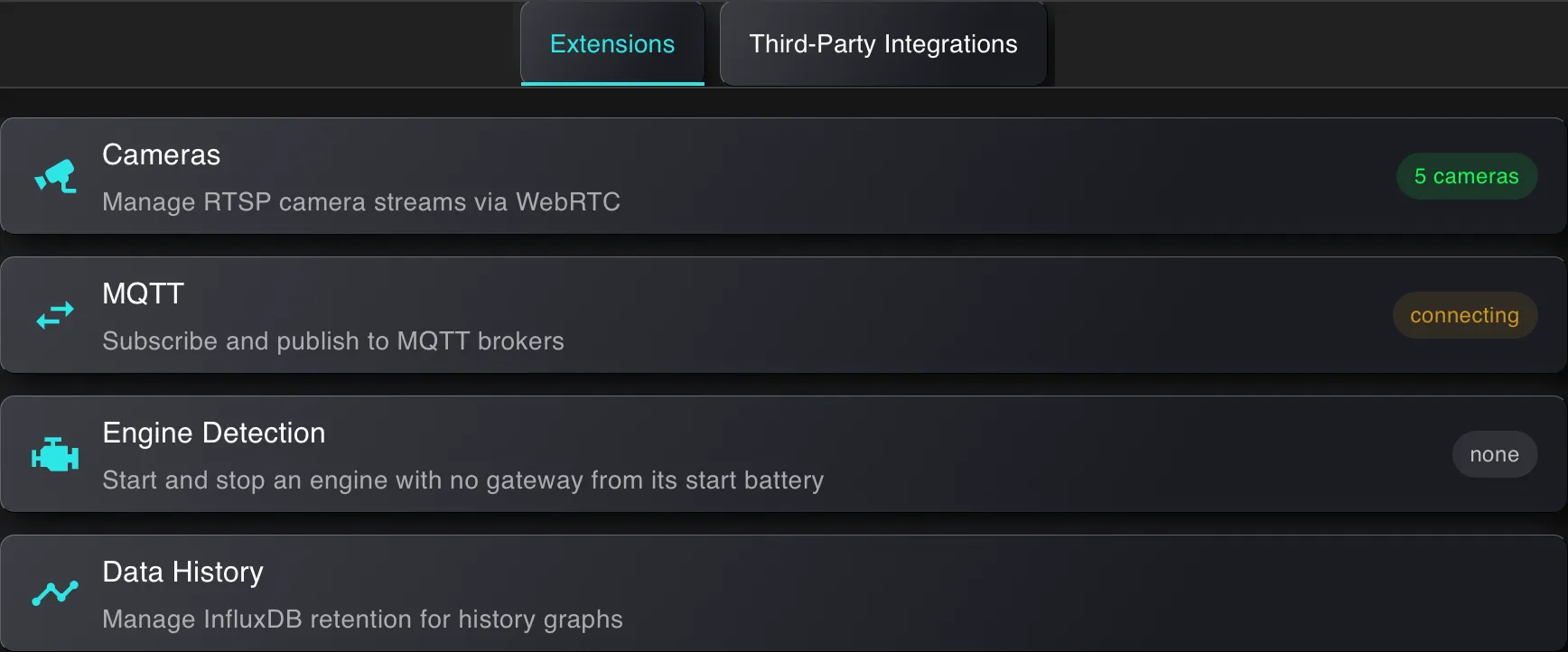
In the Setup app, open Add-ons & Third-Party, then the Extensions tab, and tap Data History. The panel shows how long Zora keeps the data now: the last 24 hours or the last 7 days.
Choose how long to keep
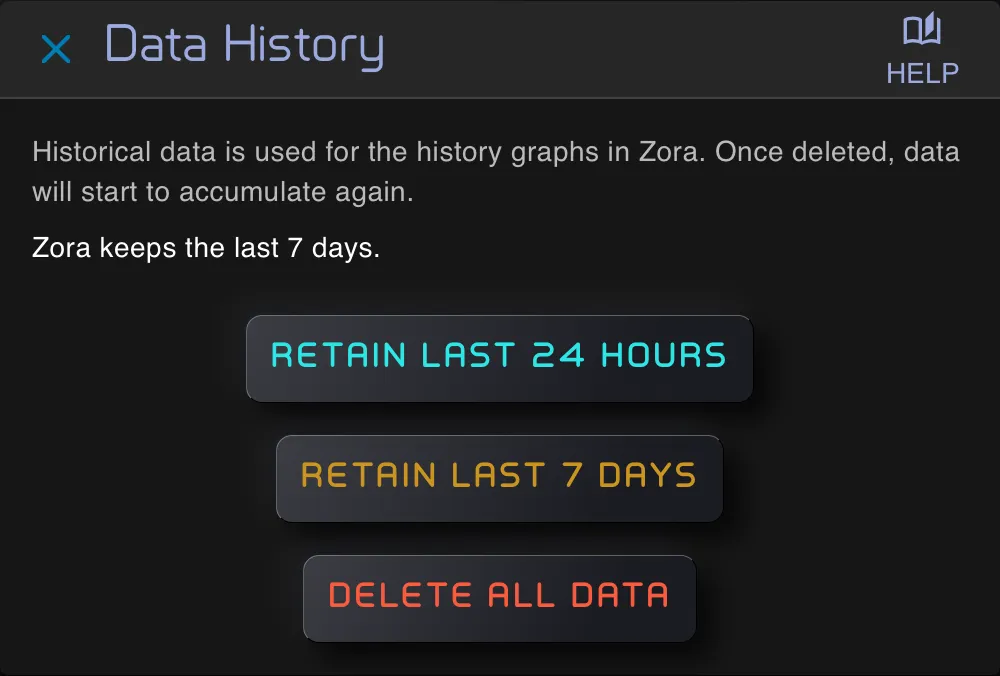
Tap Retain last 24 hours or Retain last 7 days. Zora keeps 7 days at most, so a boat set to keep longer is brought down to 7 days when Zora starts. Older data goes in blocks over the next few days, not all at once, and until then the graphs can reach back a little past the span you picked.
Delete all data
Tap Delete all data, then Delete to confirm. Every history graph starts again from empty and fills as new data arrives. This cannot be undone.