

Home Screen Icon
On an iPhone or iPad, Zora opened from a home screen icon runs full screen, without Safari's address bar and tabs. Add the icon for an address that stays the same: zora.local, or an address reserved in the router (see Reach Zora).
iPhone and iPad
In Safari, open Zora at zora.local or its address.
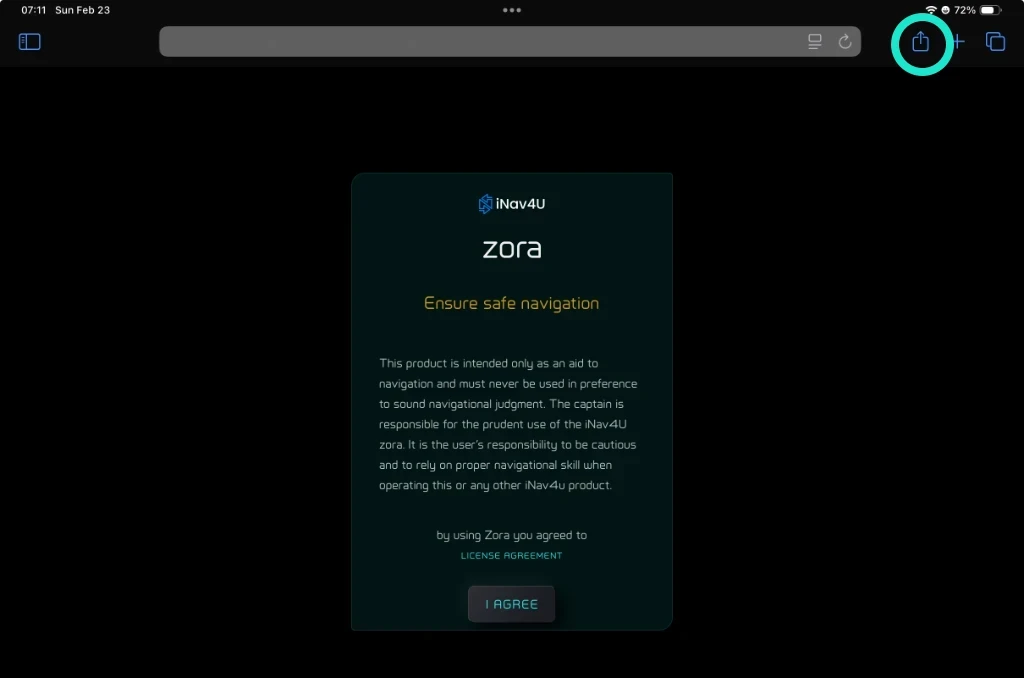
Tap the share button.
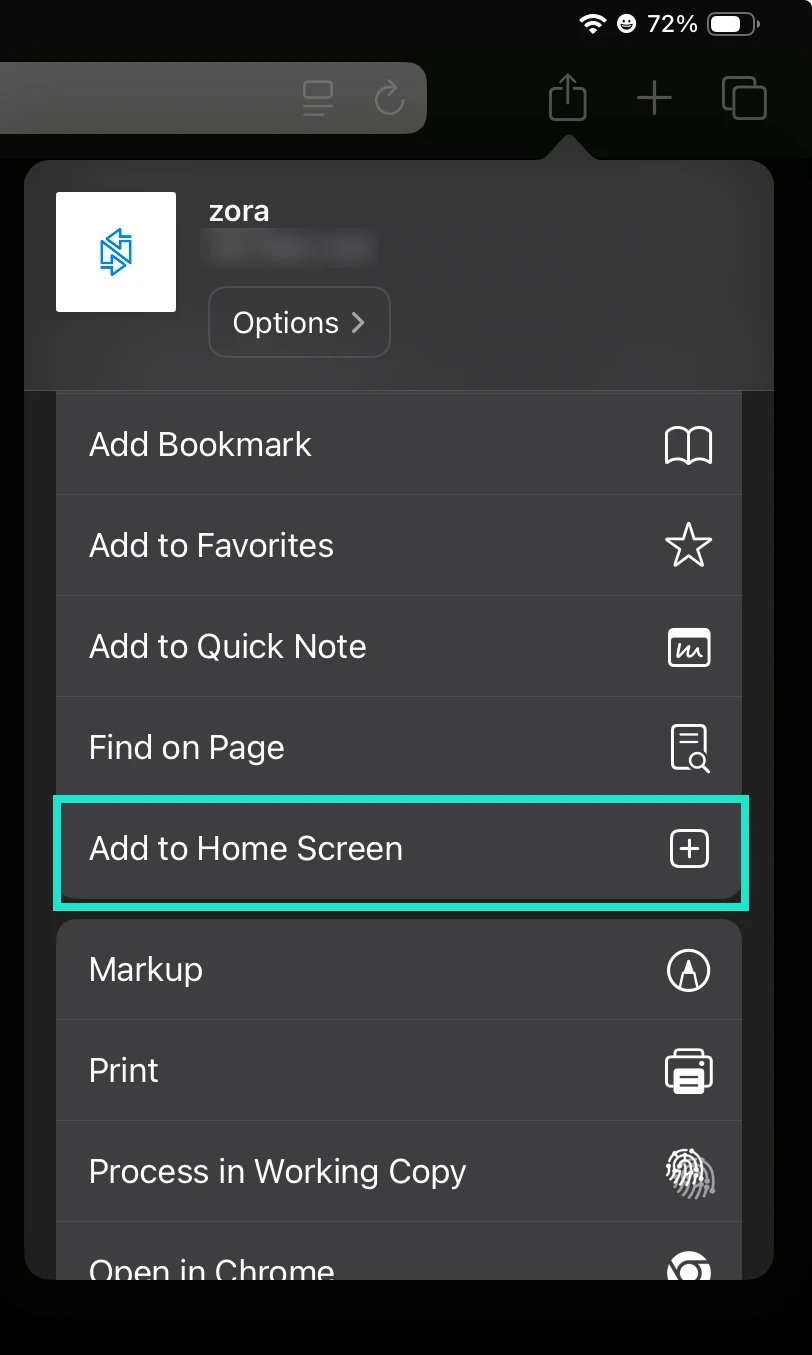
Choose Add to Home Screen.
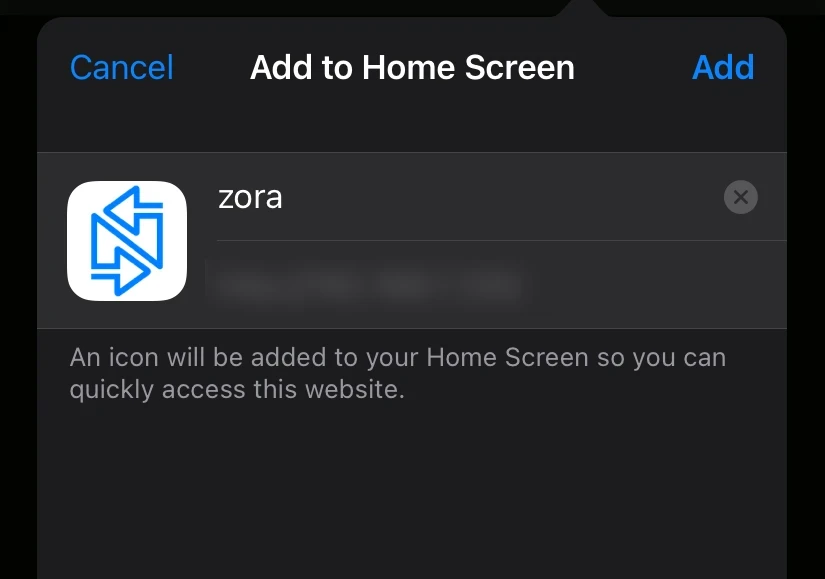
Keep the name zora or type another, and tap Add.
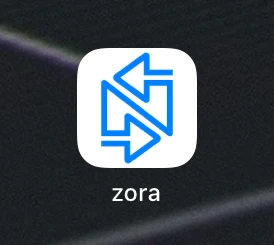
Close Safari and open Zora from the new icon.
Android
On an Android phone or tablet, Zora goes full screen at your first tap, with or without an icon. After you switch to another app and back, the next tap brings full screen back. A home screen shortcut from the browser's menu is still a quick way to open it.