

What Setup covers
Setup is every job done once on a boat: installing the hardware, connecting the boat's equipment, adding stations and screens, and the settings nobody changes underway. It is written for the marine installer, or for an owner doing the install themselves. Using the boat day to day is in Zora.
Two apps
Most setup jobs are done in the Zora Setup app: connections, stations and monitors, add-ons, the data browser, the vessel map. The Setup app shows how to open it, and lists its home cards with their tutorials.
The boat's own details, its engines and its finances are entered in My Boat, which has its own section of these guides.
A few jobs are done on Zora's own screens, because that is where the thing lives. They are still setup jobs, and each page here names the app to open. The install comes before either app.
| Group | Where | Tutorials |
|---|---|---|
| Install | The hardware and the owner's cloud account | Main Unit V3 · Main Unit V2 · Mini PC · Cloud Account & Access · Home Screen Icon |
| Add equipment | Zora's Equipment screens | Autopilot · Engine · Sail |
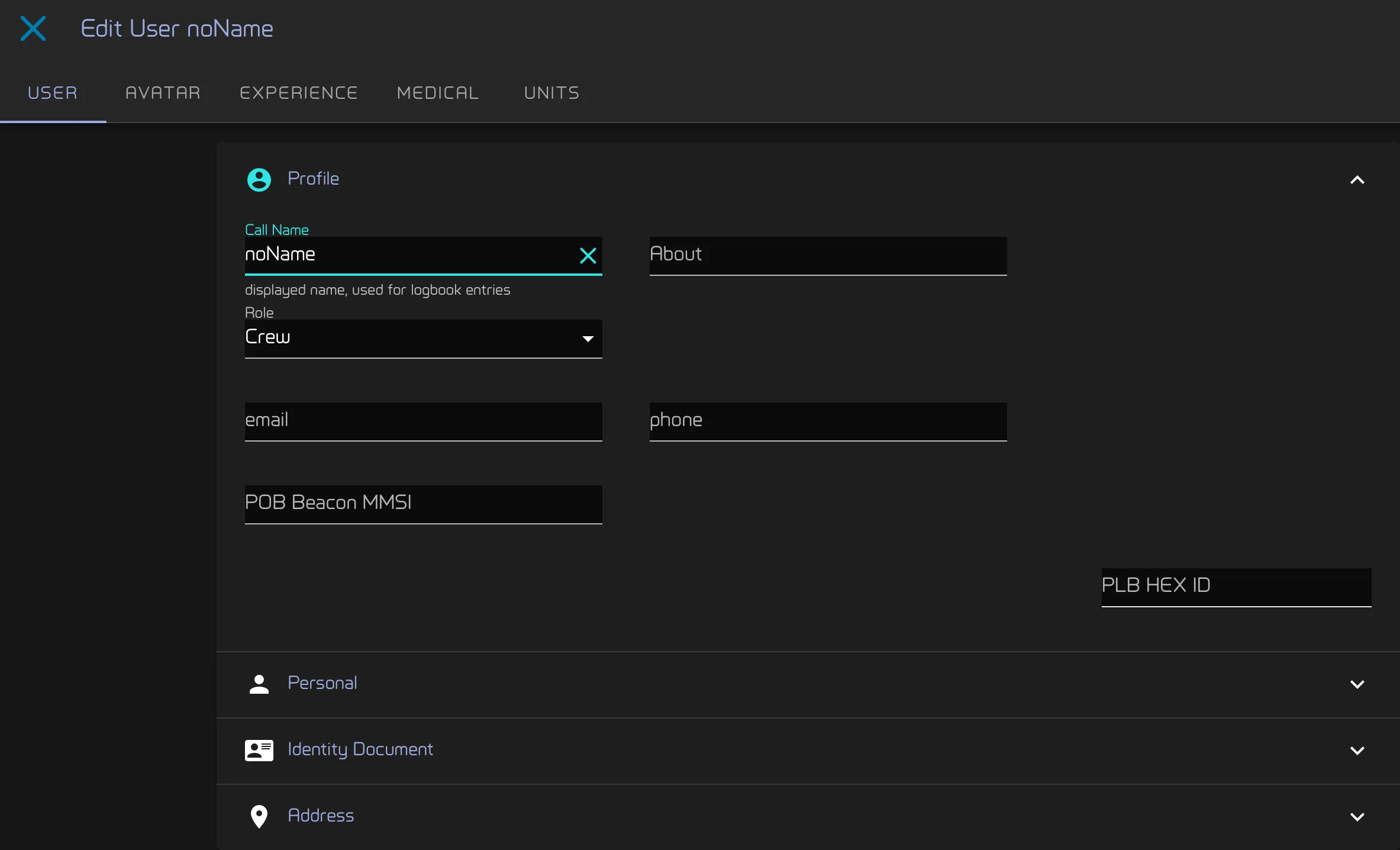
| Vessel and crew | Zora's own screens | Crew · Permissions |
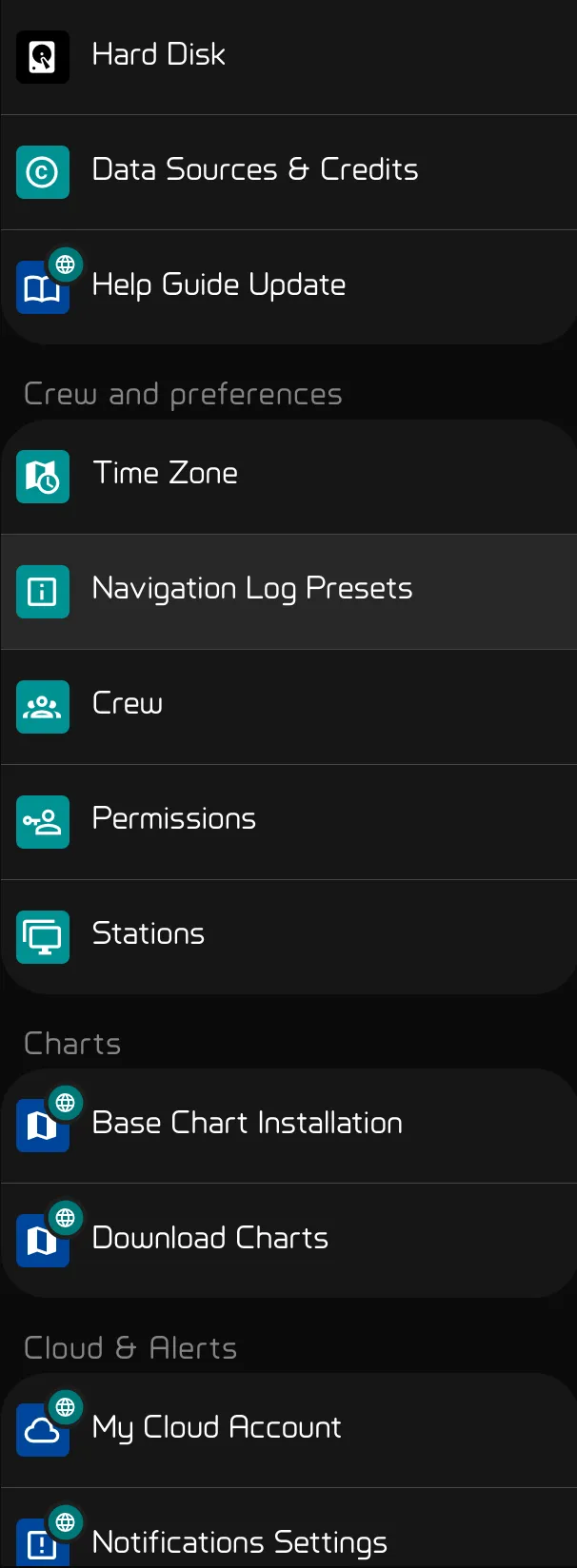
| Settings | Settings... in the Zora logo menu | Settings · Hard Disk · Notifications Settings |
The order a new boat goes through
- Install the main unit. Follow the quick install for your version: Main Unit V3 or Main Unit V2.
- Claim the device to the owner's cloud account, then reach Zora from a laptop or tablet. On an iPhone or iPad, add a home screen icon so Zora runs full screen.
- Install the Mini PC, if the boat has one driving its touchscreens: Mini PC first installation. Do this once the main unit is online.
- Connect the equipment in the Setup app, starting with Connections & Sources, then Stations & Monitors and any add-ons.
- Describe the boat in My Boat: its details, its engines and its finances. Then add the sails, the autopilot and the crew on Zora's screens.
- Go through the settings: notifications, the hard disk.
Installation support
These guides cover a do-it-yourself install in full. One-to-one installation support comes from authorised iNav4U dealers, who design, install and support iNav4U systems on sailing and motor yachts.
No dealer near you? Contact iNav4U to be put in touch with the nearest certified installer. The link opens outside Zora and needs internet.