
Terms and conditions
Ensure safe navigation
Each time Zora is opened in a new browser session on a display, it shows this before anything else:
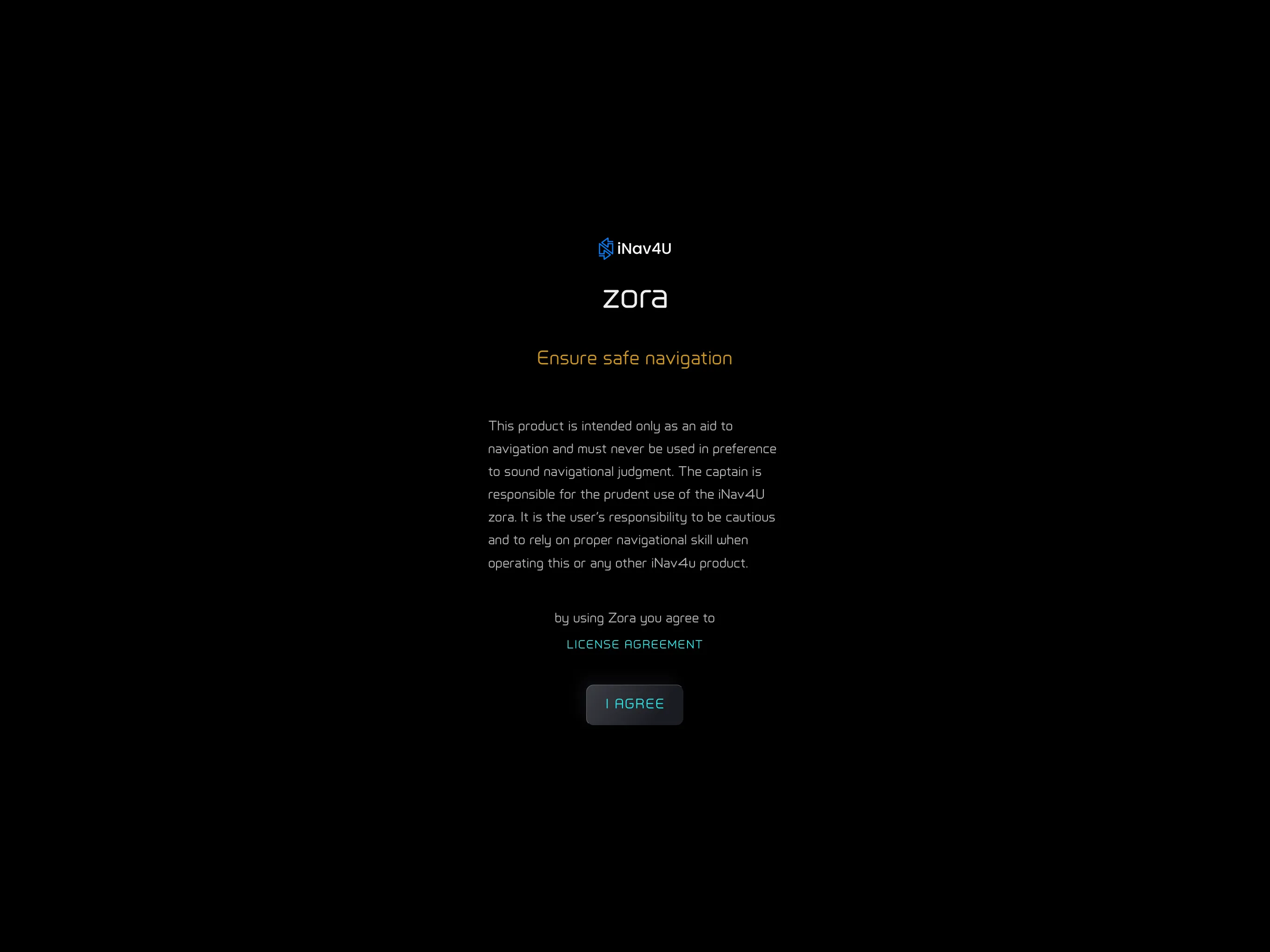
This product is intended only as an aid to navigation and must never be used in preference to sound navigational judgment. The captain is responsible for the prudent use of Zora. It is the user's responsibility to be cautious and to rely on proper navigational skill when operating this or any other iNav4U product.
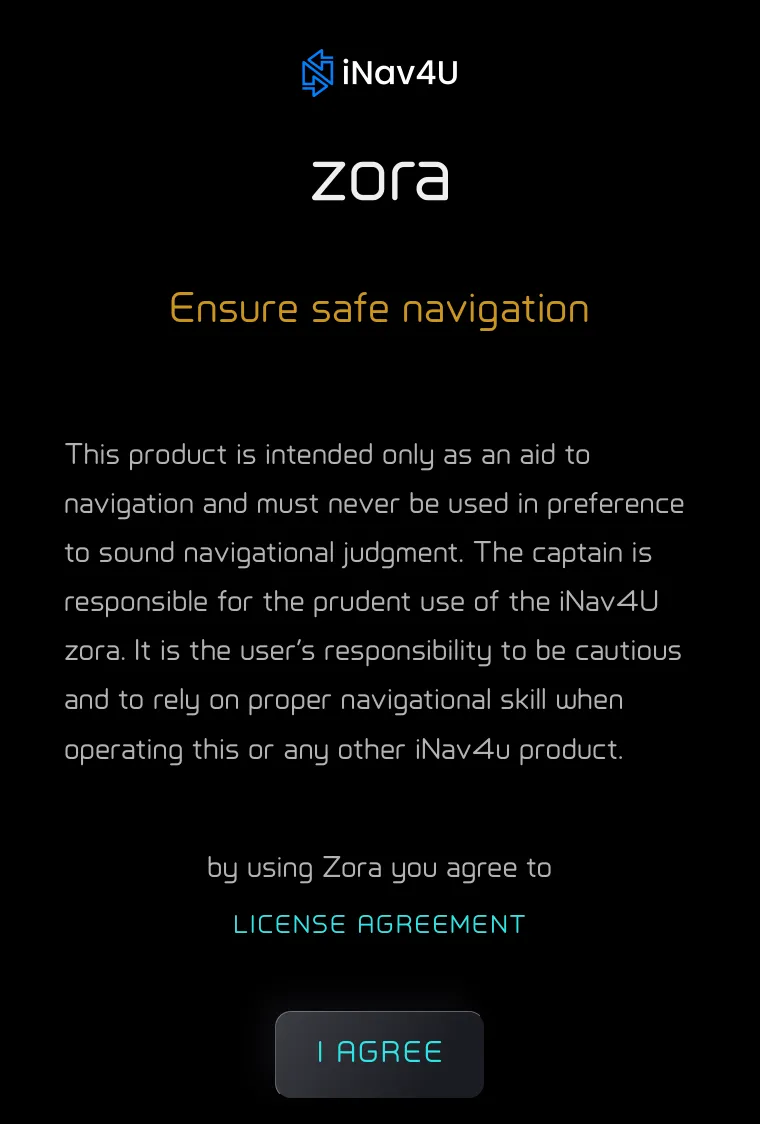
Tap I agree to go on. Zora loads, then shows the login screen. Reloading the page in the same session does not ask again.
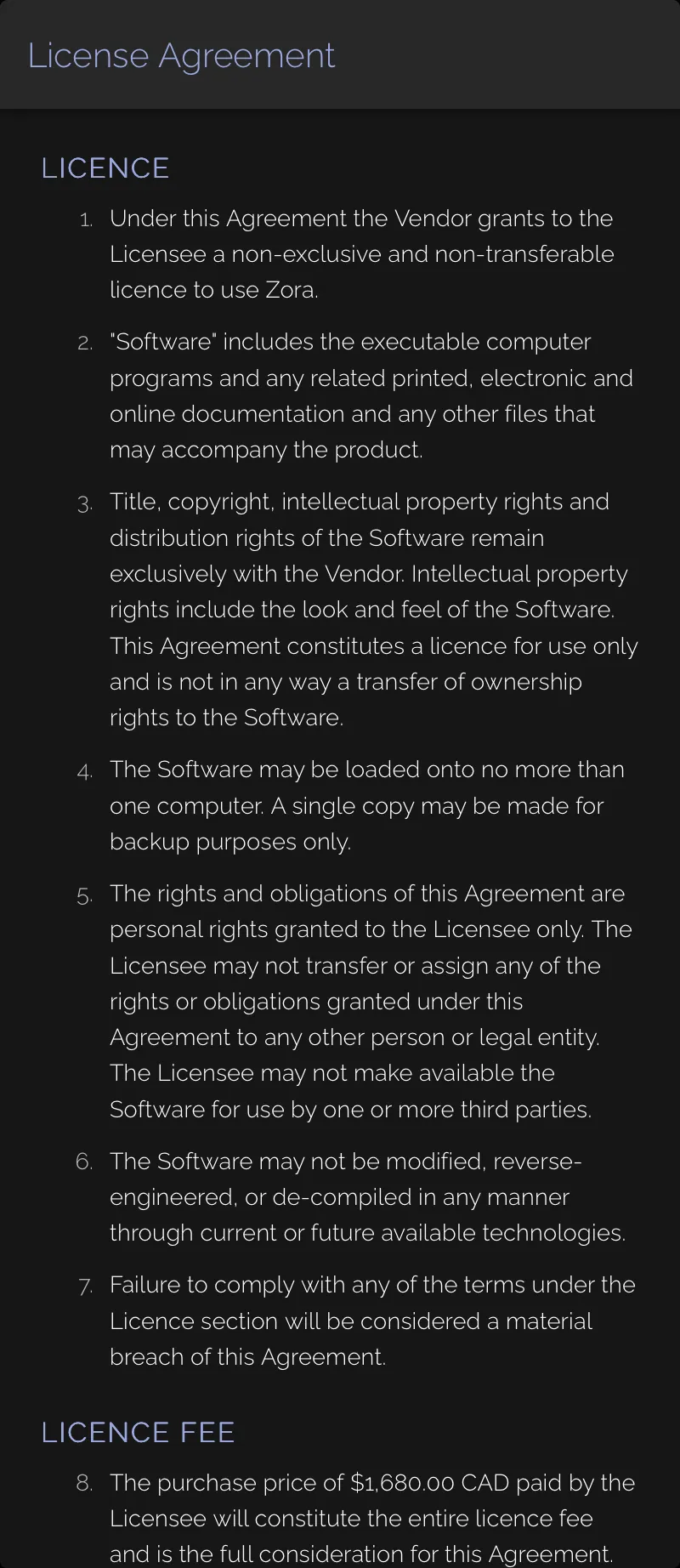
The License Agreement
Tap License Agreement on the same screen to read the licence under which Zora is used. It is also in About.. in the Zora logo menu. Its sections are Licence, Licence Fee, Limitation of Liability, Warrants and Representations, Acceptance, User Support, Term, Termination, Force Majeure, Governing Law, Miscellaneous and Notices. I agree closes it.