

Journal screens
The Journal tab of the screen selector holds the boat's record: where it has been and what happened on the way. Press SCREENS in the app bar to open it. On any Journal screen, tap the screen's name at the top left (on a phone, its icon) to switch to one of the other two. While a Regatta plan is open in Voyage Planning, the plan's name is shown there instead, so close the plan first.
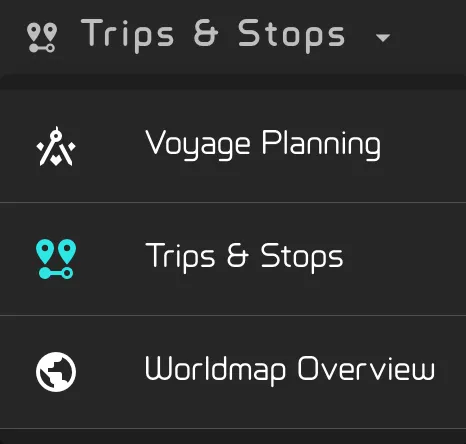
Voyage Planning
The voyages you plan before a passage, each with its voyage plan. It comes first in the tab, on a Planning row of its own. See Voyage Plan.
Trips & Stops
The trips Zora records as you sail and the stops between them, each with its track and its log entries. See Trips & Stops.
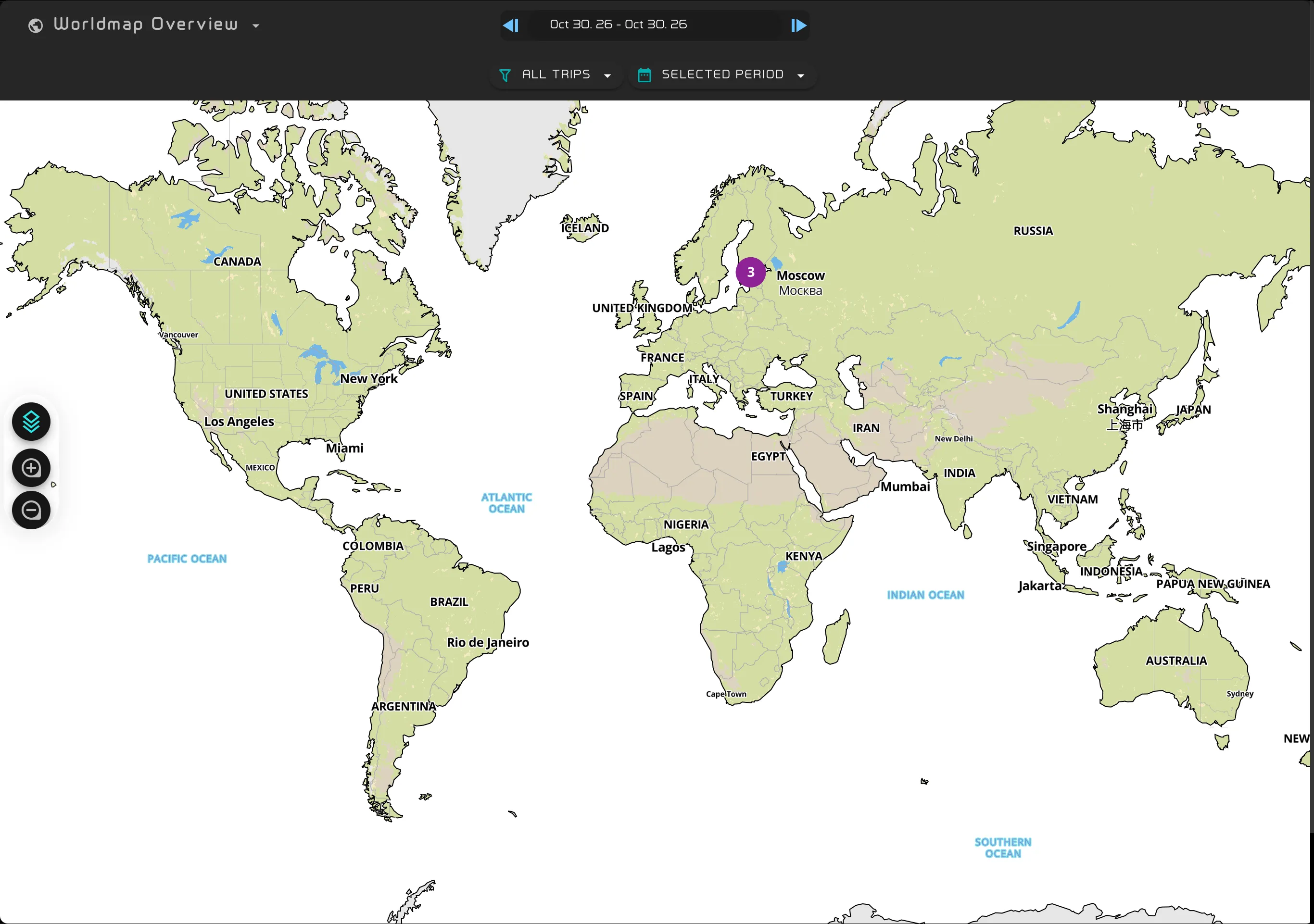
Worldmap Overview
Your sailing history on the world map. It shows what Trips & Stops lists, narrowed the same way: the same kind button and period, and the same filters.
Logbook
The logbook is not in the screen selector: long-press LOGBOOK in the app bar to open it from anywhere. Long-press BACK, or swipe left on the logbook, to go back. See Logbook.
The screens here are Zora's own and their layouts are fixed. To add a screen of your own to this tab, see Custom screens.