

Image Background
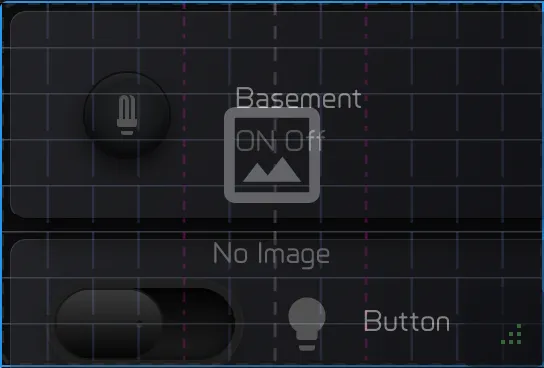
A background picture sits behind a screen's widgets. It is not in the widget list: you add it in edit mode with Background, then Add Image. A frame with no picture yet shows No Image.

Edit Mode explains how to place the picture and set its opacity, fit and blur.
Related
- Image: a picture inside a widget, with a title.