
Time zones
Zora works with three time zones, and each answers a different question. That is why two clocks on one screen can show different times.
UTC
Zora records every moment in UTC: log entries, track points, and the start and end of each trip. A time is put into a time zone only when Zora shows it.
A log entry also keeps its date and time in the boat time zone as it was when the entry was written. Setting another boat time zone later does not change them.
Boat time zone
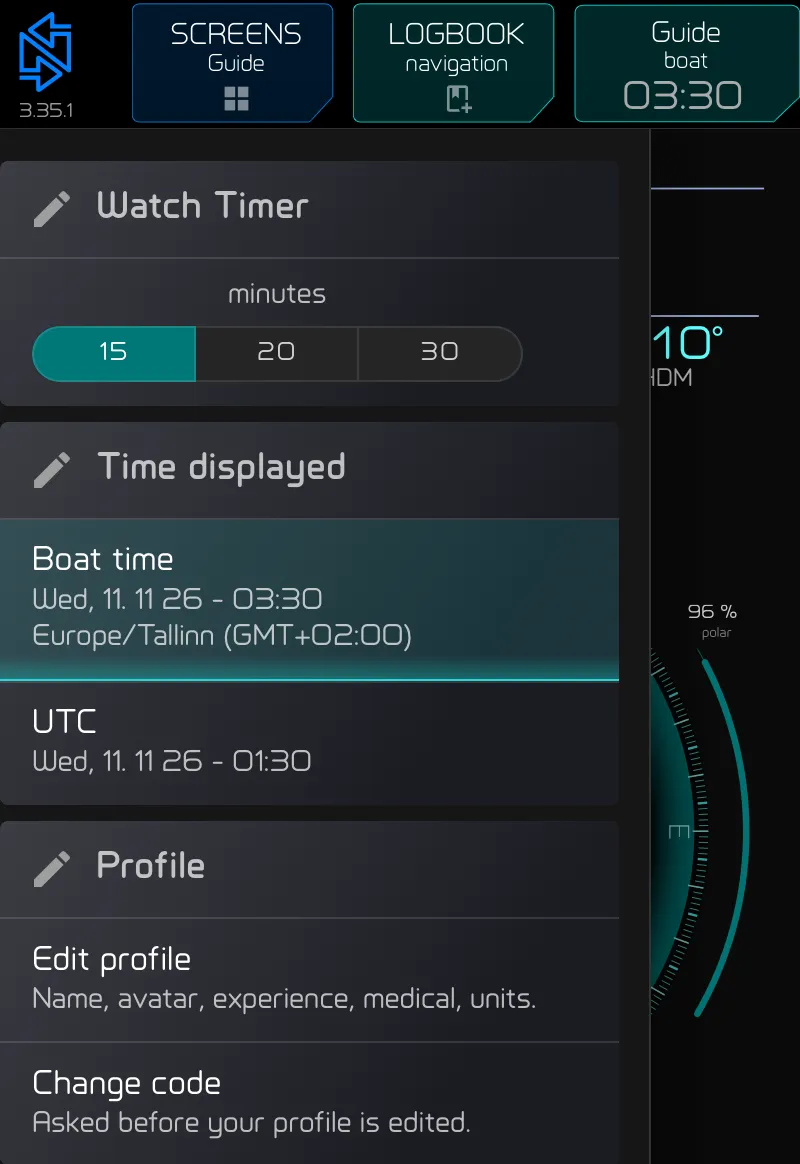
The boat time zone is the one you choose for life on board. The clock on the user button shows it, and the logbook uses it for the date and time of each entry, the day summary and the days of a period.
It stays where you set it, so you can keep it while the boat crosses into another zone for a day and comes back. Zora never changes it by itself, and until you set one it is UTC.
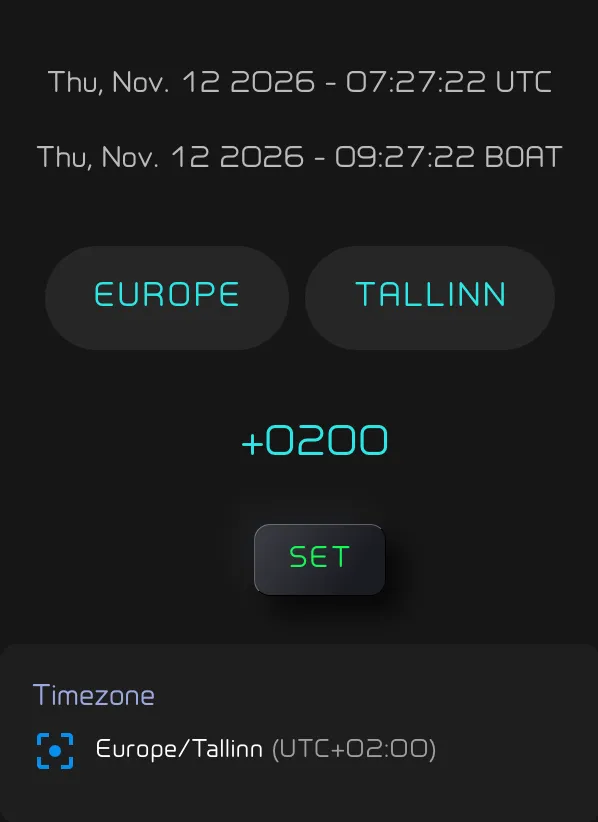
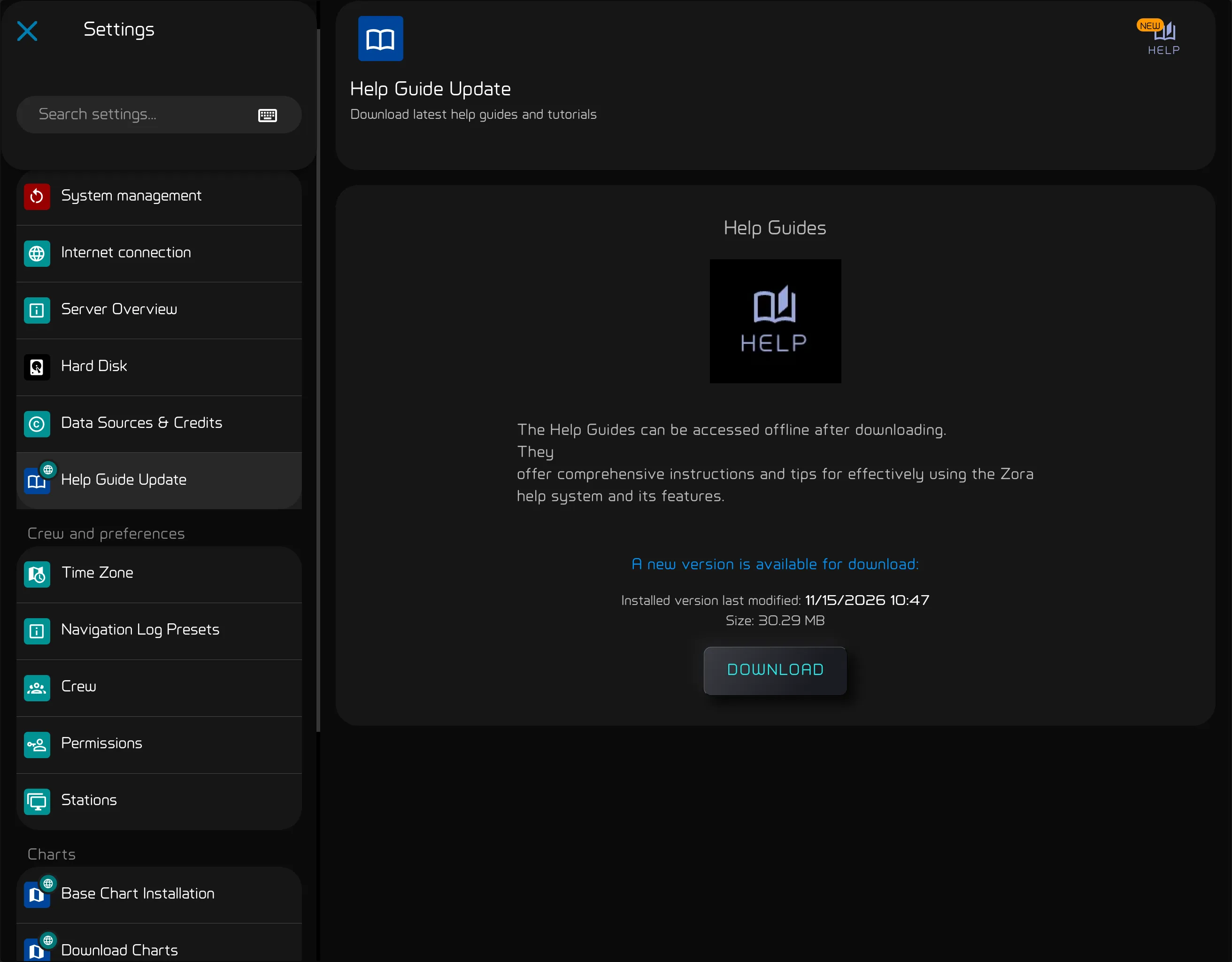
To set it, open Settings, then Time Zone under Crew and preferences, pick the place and tap set. Long-pressing the user button opens the same screen.
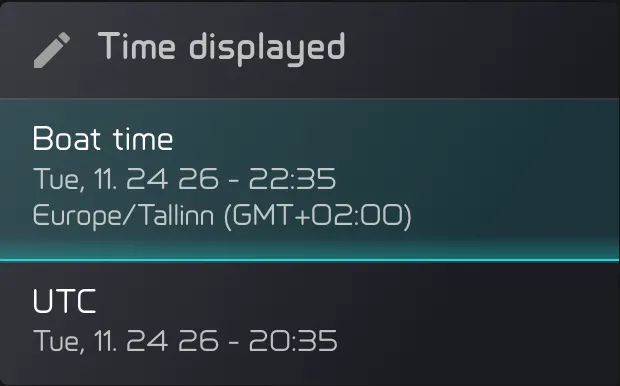
Tap the user button to choose what its clock shows: Boat time or UTC.
Position time zone
The position time zone is the zone the boat is in, worked out from its GPS position. Tides, sunrise and sunset, and moonrise and moonset are shown in it, because they belong to the place.
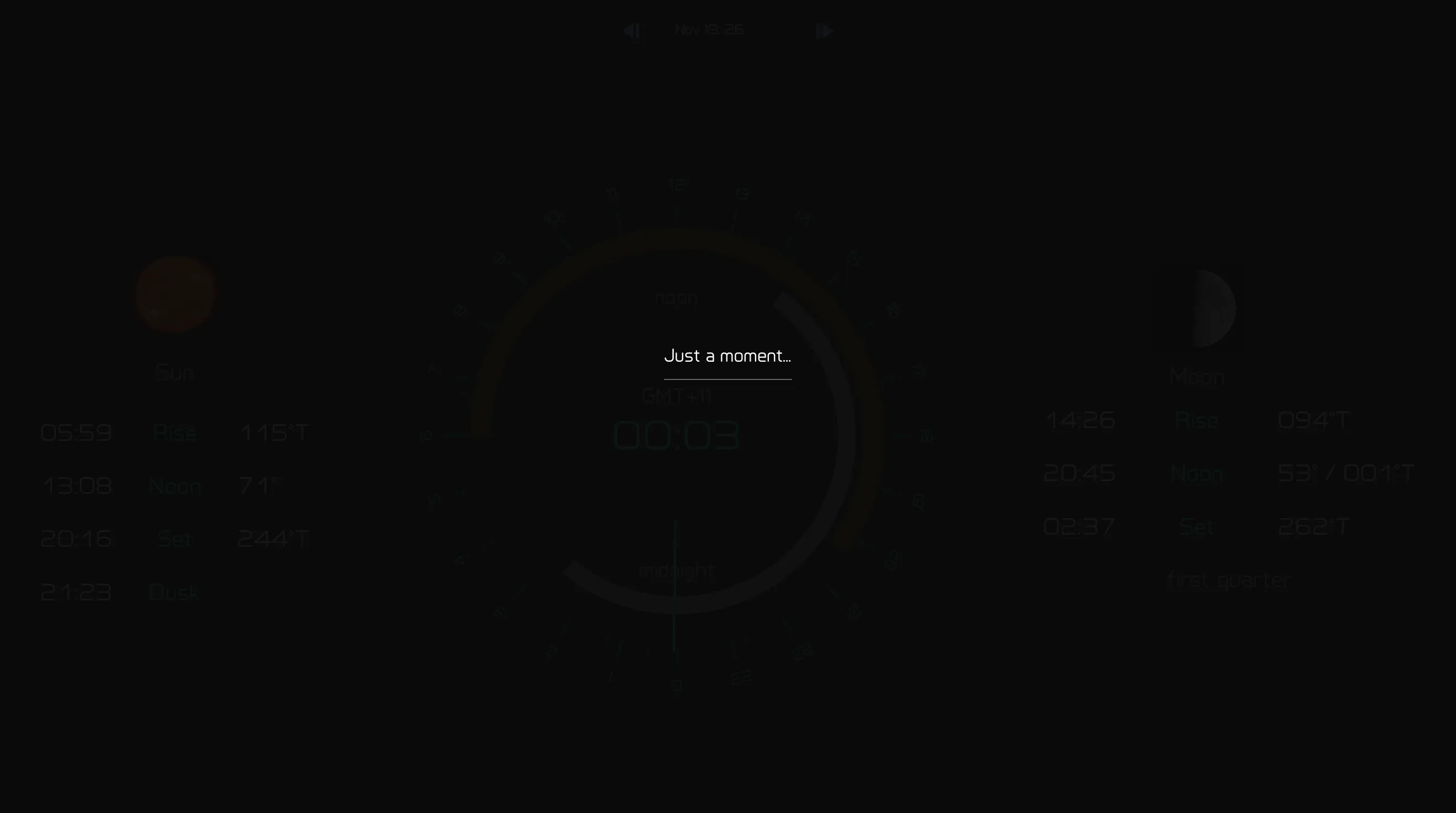
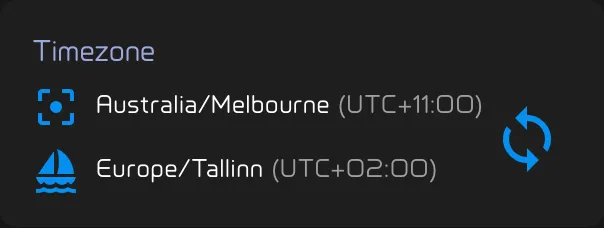
When it differs from the boat time zone, the time zone card shows both and offers to make the position time zone the boat time zone. The card is on the Info tab you reach by tapping the position in the app bar, and in the Time Zone settings.