

weather map
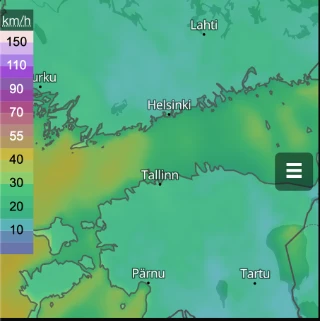
The weather map widget shows the forecast Zora keeps aboard, the same one the chart draws, as a map of its own. It works offline for whatever the boat keeps aboard. The Weather screen is this map at full size.
Add it to a screen
In Edit Mode, open the weather group and tap weather map. It is at least 8 columns wide and 8 rows high.
Reading the widget
The forecast is drawn over grey land and sea. On top, the coastline is black, borders are grey and place names are white. The boat is shown with its heading. iNav4U Weather at the top left names the map; it is hidden on a phone.
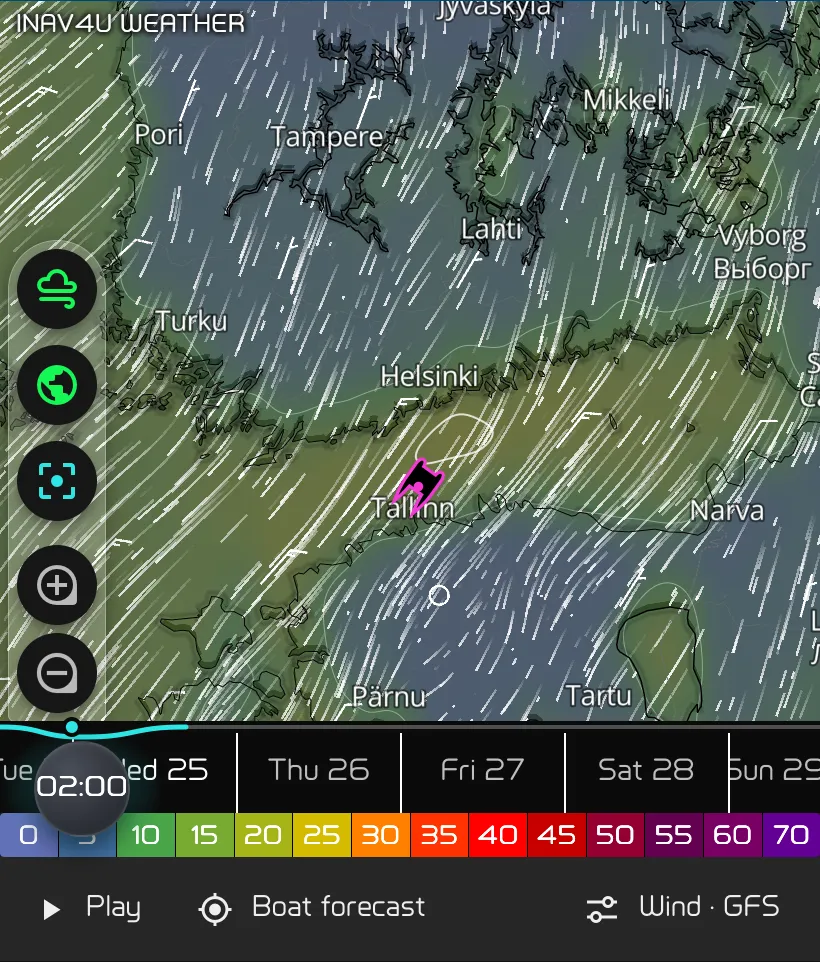
The widget opens on the last parameter you switched on, here or on the chart; the first time, that is Wind. It switches the weather on when it loads, even if it was switched off on the chart.
The layer, its colour strength and its timeline belong to this widget. Changing them here leaves the chart as it is, and the other way round. The timeline, Play and the layer button work as on the chart: see Move through time and Change how a layer is drawn. With a mouse, the value under the pointer follows it.
A tap on the weather opens the same flag and forecast table as on the chart, for a spot of the widget's own: see Forecast at a spot.
Buttons
- The weather button picks the layer the map shows. Long-press a layer in its menu for that layer's settings.
- Globe switches the map between a globe and a flat map. The map opens as a globe, and the button is green while it shows. At the closest zooms, 11 and 12, it turns flat on its own. The choice stays on this display.
- Centre moves the map to the boat once. It does not follow the boat afterwards.
- Zoom in and out, from 1 to 12. The map opens at 5.
- On a touch screen, swipe down quickly on the buttons to fold them into one ☰ button at the bottom of the map. Tap ☰ to open them again.
Place names
Tap the layer button. Under the draw styles and the slider, Names shows or hides the place names. It is on to begin with. This switch is only on the weather map.
Related
- Weather: the Weather screen and the forecast on the chart.
- Weather on board: where the forecast comes from.